


- What is Website Performance for Shopify Stores
- Categories of Website Performance Tools Every Shopify Store Needs
- 11+ Best Website Performance Tools for Shopify
- How to Use Website Performance Tools to Improve Conversions (Step-by-Step)
- Common Mistakes When Using Website Performance Tools
- Final Words
- FAQs about Website Performance Tools
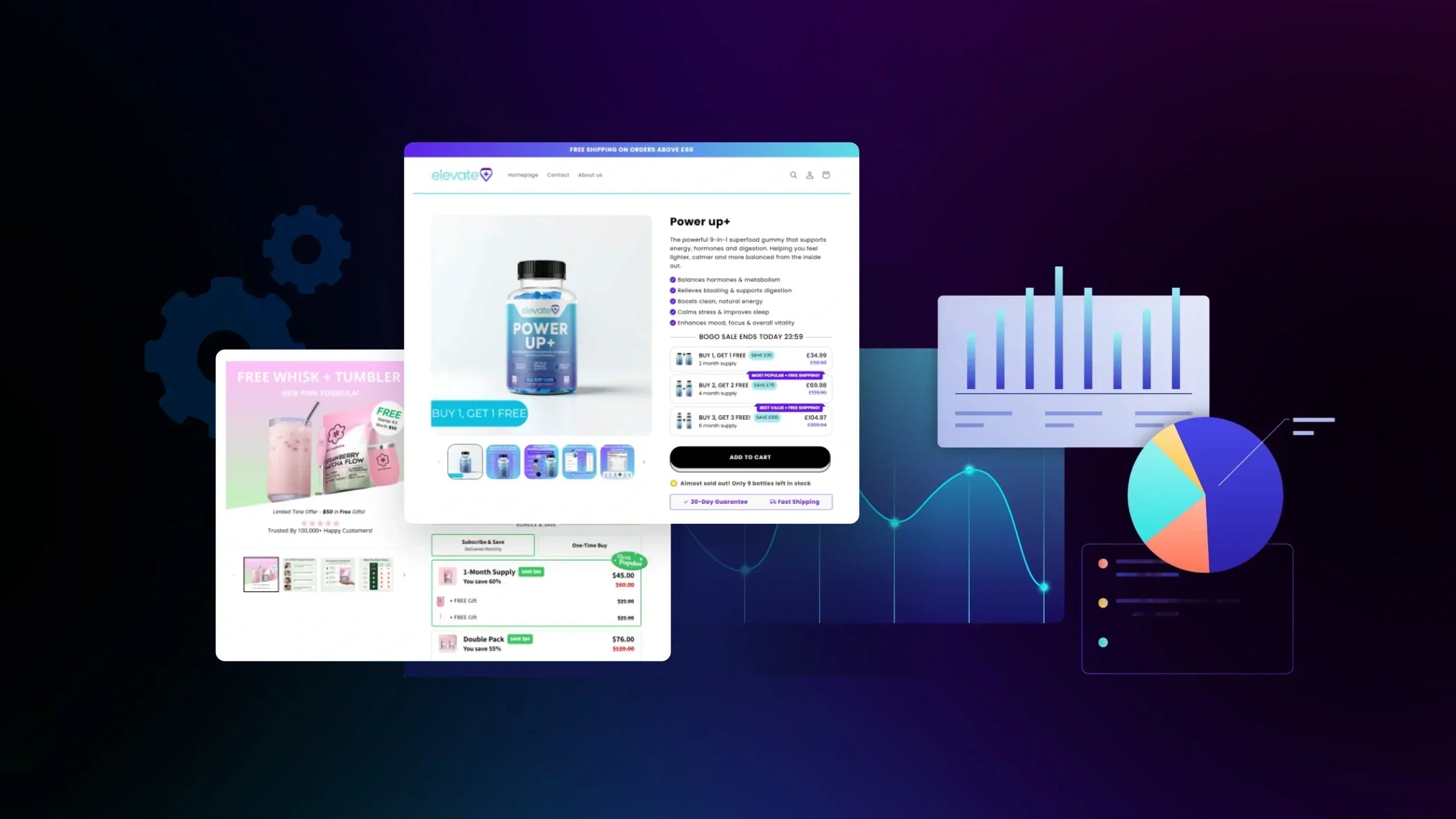
Website performance tools have become a critical growth lever for Shopify merchants, but most stores still struggle to turn speed metrics into real conversion gains. Slow load times, bloated apps, and unclear data make it hard to know what’s actually hurting sales. This article breaks down which tools matter in 2026, how to use them strategically, and how to validate performance improvements with CRO and A/B testing so optimizations drive revenue, not just better scores.
What is Website Performance for Shopify Stores
For Shopify merchants, website performance in 2026 is no longer just about load speed or getting a green Lighthouse score. It directly affects how users interact with your store, how confident they feel buying, and ultimately how much revenue your site can generate. Many stores “pass” performance tests but still struggle with low conversion rates because they’re optimizing the wrong signals.
Core Web Vitals Are the Baseline, Not a Competitive Advantage
Google’s Core Web Vitals are still important, but they function as a minimum quality standard, not a growth lever. According to Google’s official thresholds:
-
Largest Contentful Paint (LCP): ≤ 2.5s
-
Cumulative Layout Shift (CLS): ≤ 0.1
-
Interaction to Next Paint (INP): ≤ 200ms

In real Shopify audits, we frequently see stores that:
-
Pass CWV but feel slow when scrolling product pages
-
Load hero sections quickly, yet delay Add to Cart interactions
-
Perform well on desktop but struggle on mobile checkout flows
The takeaway is simple: passing Core Web Vitals doesn’t guarantee better conversions. It only confirms that your site meets Google’s baseline expectations.
Performance Metrics That Actually Influence Conversions
When performance optimization is tied to CRO, the focus shifts from technical scores to user-facing behavior metrics. These are the signals that consistently show up in underperforming Shopify stores:
-
Time to Interactive (TTI): Users can see content but can’t interact yet, a common frustration on PDPs.
-
Interaction latency: Delays between clicking and visual feedback (variant changes, Add to Cart).
-
Above-the-fold render timing: If price, CTA, or product media loads late, bounce rates increase sharply.
-
JavaScript execution from apps: Reviews, upsells, analytics, and chat tools often slow real interactions.
Akamai’s retail performance research shows that even a 100ms delay can reduce conversion rates by up to 7% in eCommerce environments. This is why Shopify stores can feel “fast” in testing tools but still lose revenue during real shopping sessions.

UX Performance vs. Technical Performance: Where Merchants Get Stuck
One of the most common misconceptions we see is equating performance with load time alone. From a user’s perspective, perceived performance matters more than raw speed.
Technical performance focuses on:
-
Server response time
-
Asset size and compression
-
Core Web Vitals scores
UX performance focuses on:
-
How smooth scrolling feels
-
Whether clicks respond instantly
-
Layout stability during interaction
-
Interruptions caused by popups or injected scripts
Research from the Baymard Institute shows that small UX frictions, especially on product and checkout pages, can have a larger negative impact on revenue than modest speed delays.
On Shopify, UX performance issues often come from:
-
Heavy theme animations
-
Third-party apps injecting unmanaged JavaScript
-
Overlapping marketing and tracking scripts
Website Performance Is Now a CRO Problem
In 2026, performance sits at the intersection of SEO, UX, paid traffic, and CRO. Optimizing performance without validating its impact on user behavior often leads to wasted effort.

Common failure patterns include:
-
Speed improvements with no conversion uplift
-
Better scores but unchanged revenue per session
-
Hesitation to scale ads due to unstable UX under load
A more effective approach for Shopify merchants is:
-
Identify performance bottlenecks tied to the funnel (PDP, collection, checkout)
-
Optimize with a clear behavioral goal (e.g., faster Add to Cart response)
-
Validate improvements through A/B testing, not assumptions
This is where performance optimization becomes a measurable growth strategy, rather than a technical checklist.
Categories of Website Performance Tools Every Shopify Store Needs
Most Shopify performance problems don’t come from a lack of effort, but from a lack of structure. Merchants often install tools reactively without understanding which type of performance insight they’re missing.
In practice, website performance tools fall into a few clear categories, each answering a different business-critical question. Missing one category usually means optimizing in the dark.
#1. Synthetic Performance Testing Tools (Lab-Based Tools)
Synthetic performance tools simulate how a page loads in a controlled environment. Their primary role is technical validation, not conversion diagnosis.
This category is designed to answer questions like:
-
Is the page technically fast enough by Google’s standards?
-
Are there obvious rendering or asset issues after a theme change?
-
Did a recent deployment introduce performance regressions?

What these tools are good at:
-
Baseline compliance checks: Validate Core Web Vitals thresholds and SEO readiness.
-
Pre-release testing: Catch issues before traffic is affected.
-
Consistent benchmarking: Compare performance across builds or environments.
Where Shopify merchants often misjudge them is scope. Google explicitly clarifies that lab data cannot represent real user experience, especially for interaction-heavy pages like PDPs or checkout flows. In short, synthetic tools are essential for preventing technical debt, but insufficient for understanding why users hesitate or fail to convert.
#2. Real User Monitoring (RUM) Tools
Real User Monitoring tools collect performance data from actual shoppers as they browse, scroll, and interact with your store. This category exists to close the gap between theory and reality.
RUM tools are built to answer:
-
How fast does the site feel to real users, not test bots?
-
Which devices, regions, or traffic sources experience friction?
-
When does performance degrade under real traffic conditions?

Why this category matters for Shopify:
-
Shopify stores rely heavily on third-party apps and scripts.
-
Performance can vary widely by device, network, and user behavior.
-
Lab scores often fail to capture interaction delays or instability.
Google’s Chrome UX Report consistently shows that field data diverges from lab results, particularly on mobile and mid-range devices. For CRO-focused merchants, RUM tools provide the first reliable signal of where performance is actively hurting conversions, not just where it looks bad on paper.
#3. Shopify-Specific Performance Diagnostics
Generic performance tools rarely understand Shopify’s internal constraints. Shopify-specific diagnostics exist to provide context-aware insights that general tools cannot surface.
This category helps merchants answer:
-
Which theme components are slowing down rendering or interaction?
-
Which installed apps are injecting blocking scripts or heavy logic?
-
Where Shopify’s architecture limits performance improvements?
Shopify itself acknowledges that themes and apps are the most common sources of performance degradation, especially as stores scale in complexity. From real-world audits, this category is often where the highest ROI fixes are found. Removing, replacing, or reconfiguring a single underperforming app frequently outperforms dozens of micro-optimizations elsewhere.
These tools shift performance work from generic optimization to business-informed trade-offs, which is critical for growing stores.
#4. Behavioral & UX Performance Tools
Not all performance issues appear as slow load times. Many show up as user frustration, hesitation, or repeated actions. Behavioral and UX performance tools exist to capture these signals.
This category focuses on:
-
How users react when performance falls short
-
Where interaction delays break purchase momentum
-
Which friction points correlate with abandonment
They help answer questions such as:
-
Are users clicking repeatedly because nothing happens?
-
Do users pause or abandon right after interacting with key elements?
-
Which steps in the funnel feel “unresponsive”?
Research from Nielsen shows that users perceive delayed feedback as system failure, even when pages technically load successfully. For Shopify merchants, behavioral tools translate abstract performance problems into observable UX breakdowns, making prioritization far more actionable.
#5. Experimentation & Validation Tools (CRO Layer)
This category exists to answer one final question that all others cannot:
Did the performance change actually improve the business outcome?

Experimentation tools are used to:
-
Validate performance-driven design or script changes
-
Measure impact on conversion rate, revenue, and engagement
-
Prevent false positives caused by traffic or seasonality
Google emphasizes that performance improvements should be evaluated through user-centric outcomes, not metrics alone. For Shopify stores, this layer ensures performance optimization stays aligned with CRO goals, not just technical cleanliness.
Why These Categories Matter Together
Each category answers a different question:
-
Synthetic tools: Are we technically compliant?
-
RUM tools: How do real users experience performance?
-
Shopify diagnostics: What inside Shopify is causing friction?
-
Behavioral tools: How does friction affect user behavior?
-
Experimentation tools: Does fixing it actually increase revenue?
High-performing Shopify stores don’t rely on one tool or one score. They use a layered performance system, where each category supports better decisions rather than more data.
11+ Best Website Performance Tools for Shopify
For Shopify merchants, choosing website performance tools is not about finding “the fastest” solution, but about building a stack that supports better decisions at each stage of the funnel. Different tools answer different questions, from technical readiness to real user friction to revenue validation.
These tools help ensure your Shopify store meets Google’s minimum performance expectations. They are essential for SEO hygiene and early diagnostics, but should never be used as standalone CRO indicators.
Speed & Core Web Vitals Tools (Baseline & SEO Readiness)

#1. Google PageSpeed Insights
What it does:
-
Evaluates Core Web Vitals using both lab data and real-user field data from Chrome UX Report
-
Highlights high-level performance issues such as render-blocking resources and large assets
Best for:
-
Quick CWV checks after theme updates or layout changes
-
Verifying SEO performance baselines without technical setup
Limitations:
-
Does not show how users interact with the page
-
Cannot explain where or why conversions drop
#2. Lighthouse
What it does:
-
Runs lab-based audits for performance, accessibility, SEO, and best practices
-
Provides standardized scores for comparing changes over time
Best for:
-
Pre-launch validation before pushing updates live
-
Catching obvious regressions after code or theme changes
Limitations:
-
Lab conditions rarely reflect real Shopify user behavior
-
Not reliable for diagnosing interaction-related friction
#3. WebPageTest
What it does:
-
Analyzes page-load waterfalls across devices, locations, and network conditions
-
Surfaces render-blocking scripts and asset loading order issues
Best for:
-
Deep technical diagnosis of slow-loading pages
-
Identifying third-party scripts that delay rendering
Limitations:
-
Requires technical knowledge to interpret results
-
Not designed for CRO or behavioral analysis
Important note: These tools answer “Are we fast enough to compete?”, not “Why aren’t users converting?”
Real User Monitoring (RUM) Tools (Performance Under Real Traffic)
RUM tools are critical once your Shopify store has real traffic. They show how performance behaves in the wild, where device limitations, network conditions, and third-party apps collide.

#4. New Relic
What it does:
-
Tracks real-user performance, interaction latency, and JavaScript errors
-
Monitors performance stability across devices and sessions
Best for:
-
High-traffic Shopify or Shopify Plus stores
-
Teams needing detailed visibility into real-user performance
Limitations:
-
Requires technical setup and maintenance
-
Can be complex for non-technical teams
#5. Datadog
What it does:
-
Combines real-user monitoring, error tracking, and infrastructure data
-
Provides end-to-end observability for complex storefront setups
Best for:
-
Headless Shopify or Hydrogen-based architectures
-
Stores with in-house engineering teams
Limitations:
-
Overkill for standard Shopify theme-based stores
-
Higher cost and operational complexity
#6. Chrome UX Report
What it does:
-
Aggregates anonymized real-world performance data from Chrome users
-
Provides long-term trends for Core Web Vitals
Best for:
-
Benchmarking mobile and desktop performance over time
-
Understanding performance at scale
Limitations:
-
Aggregated data only
-
No session-level or page-specific insights
Pro Tip: RUM tools often reveal that “acceptable” CWV stores still suffer from inconsistent Add to Cart response times, especially on mobile.
UX & Behavioral Performance Tools (Seeing Friction, Not Just Speed)
Performance issues don’t always appear as slow loads, they often show up as user frustration. Behavioral tools help teams understand how performance gaps affect real behavior. These tools are invaluable for translating performance data into prioritized UX fixes.

#7. Hotjar
What it does:
-
Records user sessions and visualizes interaction patterns
-
Highlights rage clicks and hesitation behavior
Best for:
-
Diagnosing UX friction on PDPs and collections
-
Understanding how users react to slow or unstable interactions
Limitations:
-
Does not measure performance timing directly
-
Insights require qualitative interpretation
#8. Microsoft Clarity
What it does:
-
Captures session replays with automatic rage click detection
-
Provides basic behavioral analytics at no cost
Best for:
-
Shopify merchants new to UX diagnostics
-
Quick friction discovery with minimal setup
Limitations:
-
Limited segmentation and advanced CRO analysis
-
Not suitable for deep funnel insights
#9. FullStory
What it does:
-
Combines session replay with detailed interaction timelines
-
Connects behavioral data with technical context
Best for:
-
Mature CRO teams analyzing complex user journeys
-
Identifying where performance delays affect funnel progression
Limitations:
-
Pricing may be prohibitive for small stores
-
Requires onboarding to use effectively
Shopify-Specific Performance Diagnostics
Generic tools don’t understand Shopify’s theme architecture or app ecosystem. Shopify-specific diagnostics fill that gap.
#10. Shopify Theme Inspector
What it does:
-
Identifies slow Liquid rendering and theme bottlenecks
-
Highlights inefficient template logic
Best for:
-
Developers optimizing Shopify themes
-
Debugging performance issues at theme level
Limitations:
-
Not CRO-focused
-
Requires technical expertise
#11. Shopify Analyzer
What it does:
-
Surfaces script behavior and app performance impact
-
Helps identify heavy or redundant apps
Best for:
-
App audits and cleanup decisions
-
Early-stage performance investigations
Limitations:
-
Snapshot-based insights
-
No ongoing monitoring
In many real cases, removing one underperforming app improves conversion rate more than multiple micro-optimizations.
Experimentation & CRO Validation Tools (Where Performance Becomes Revenue)
Performance optimization without experimentation is guesswork. This category validates whether speed and UX improvements actually increase conversions and revenue.

#12. GemX: A/B Experiments & Analytics built for Shopify
GemX enables Shopify merchants to validate performance-driven UX changes through both page-level tests and full-funnel experiments, while providing analytics layers that explain why performance and conversion metrics change, not just what changed.

What it does:
-
Supports page-level testing and full funnel testing to measure how performance improvements on one page affect downstream steps.
-
Journey Analysis to map customer flows across the store, helping identify where performance friction influences user behavior throughout the funnel.
-
Page Analytics to analyze performance and engagement on any page in the store, regardless of whether that page is running an experiment.
-
Combines Metric Analytics (explaining why key metrics move) with Order Analytics (showing final outcomes and the paths that led to them), creating a connected view from interaction to revenue.
Best for: Shopify merchants and growth teams who want to move beyond surface-level performance metrics, understand how performance issues translate into behavioral friction and conversion impact across the customer journey.
Limitation: Does not support Shopify headless or non-Shopify storefront architectures.
#12. VWO
What it does:
-
Provides advanced A/B testing and experimentation capabilities across pages and user segments
-
Combines experimentation with behavioral insights and targeting logic
Best for:
-
Large Shopify stores running multiple concurrent CRO experiments
-
Teams with dedicated CRO or growth resources managing complex test setups
Limitations:
-
Higher cost compared to Shopify-native tools
-
Operational complexity can slow down experimentation cycles for smaller teams
#13. Convert
What it does:
-
Offers privacy-first A/B testing with strong statistical controls
-
Focuses on clean experimentation data without heavy tracking dependencies
Best for:
-
Teams prioritizing experimentation rigor and data accuracy
-
Merchants operating in privacy-sensitive markets
Limitations:
-
Less intuitive UI for beginners
-
Requires CRO knowledge to design and interpret tests effectively
How to Use Website Performance Tools to Improve Conversions (Step-by-Step)
Knowing which website performance tools to use is only half the equation. What actually drives results for Shopify merchants is how those tools are used together to identify friction, prioritize fixes, and validate impact on conversions. A clear, repeatable workflow helps turn performance data into confident CRO decisions instead of isolated metrics.
Step 1: Identify Performance Bottlenecks in the Funnel
The first step is understanding where performance issues intersect with buying intent. Instead of scanning every page, merchants should focus on high-impact areas such as product pages, collections, and checkout steps.
At this stage, speed and Core Web Vitals tools help flag technical red flags, while real user monitoring and behavioral tools reveal whether those issues affect real shoppers, especially on mobile. The goal isn’t to fix anything yet, but to narrow down which parts of the funnel deserve attention.
Step 2: Prioritize Performance Issues That Affect Revenue
Not every performance problem is worth fixing. Some issues look severe in technical reports but have little impact on conversions.
Behavioral insights and page-level analytics help separate cosmetic issues from revenue blockers. Pages with high traffic and strong buying intent should take priority, particularly where interaction delays reduce Add to Cart rates or interrupt checkout flow. This step ensures optimization efforts are driven by conversion impact, not just technical severity.
Step 3: Turn Performance Fixes Into Testable Hypotheses
Once priorities are clear, performance fixes should be treated as hypotheses rather than assumptions. Instead of rolling out changes globally, high-performing Shopify teams validate whether a fix actually improves user behavior.

Experimentation tools make it possible to test performance-driven changes, such as simplifying layouts or deferring scripts, on specific pages or across the funnel. This keeps performance optimization aligned with CRO best practices and reduces the risk of unintended side effects.
Step 4: Validate Impact Across the Funnel
Performance changes often influence behavior beyond the page where they occur. A faster product page may not immediately increase the Add to Cart rate, but it can improve checkout completion or overall order rate.
This is where funnel-level analytics and order-focused insights matter. By tracking how users move through the store after a performance change, merchants can understand not just what improved, but where the improvement originated.
Step 5: Validate Impact Across the Funnel
Performance optimization is not a one-time project. New apps, campaigns, and content updates can introduce friction over time.
Ongoing monitoring through real user data and page analytics helps detect regressions early, while insights from past experiments guide future optimization cycles. Over time, this creates a feedback loop where performance tools support continuous CRO improvements rather than reactive fixes.
Common Mistakes When Using Website Performance Tools
Even with the right website performance tools in place, many Shopify merchants still struggle to improve conversions. The issue is rarely the tools themselves, it’s how they’re used and interpreted.
-
Chasing performance scores instead of user behavior
Many merchants focus on getting green scores in speed tools, assuming better scores automatically mean better conversions. In reality, a store can pass Core Web Vitals and still frustrate users during key interactions like Add to Cart or checkout.
-
Relying on lab data alone
Synthetic tests are useful for spotting technical issues, but they don’t reflect how real shoppers browse, scroll, and interact. Optimizing based only on lab data often leads to fixes that look good in reports but don’t move revenue.
-
Ignoring mobile-specific performance issues
Desktop performance often looks acceptable, while mobile users experience delayed interactions, unstable layouts, or heavy scripts. Since most Shopify traffic is mobile-heavy, this blind spot directly impacts conversion rates.

-
Fixing everything instead of prioritizing revenue impact
Treating all performance issues as equal leads to wasted effort. Merchants often spend time optimizing low-impact pages while high-intent product or checkout pages remain slow or unresponsive.
-
Rolling out performance changes without validation
Performance optimizations are frequently deployed site-wide without testing. When conversions don’t improve, or drop, it becomes unclear whether the change helped, hurt, or had no effect at all.
-
Looking at metrics without understanding the “why”
Traditional analytics dashboards show what changed, but not why it changed or where the impact originated. Without that context, teams end up reacting to numbers instead of making informed optimization decisions.
Final Words
Website performance is no longer a technical checkbox—it’s a growth discipline that directly shapes how shoppers experience, trust, and convert on your store. By understanding which tools matter, how they work together, and how to validate changes with real user behavior, Shopify merchants can move from guesswork to confident optimization. When used intentionally, website performance tools help connect speed, UX, and CRO into one clear decision-making loop.
If you want to keep building on this foundation, explore how GemX approaches performance-led experimentation to turn insights into steady, measurable improvements.
FAQs about Website Performance Tools


